


Turbo QR
فرخ محبوبیCreate QR codes from text or links, save and share PNG files, and decode QR/barcode images offline. No camera or internet permission.
Screenshots
About this app
Turbo QR is an original native Android utility with a Persian interface. Convert text or web links into QR codes and read supported codes from saved images. No account, advertising or internet connection is needed; processing takes place locally.
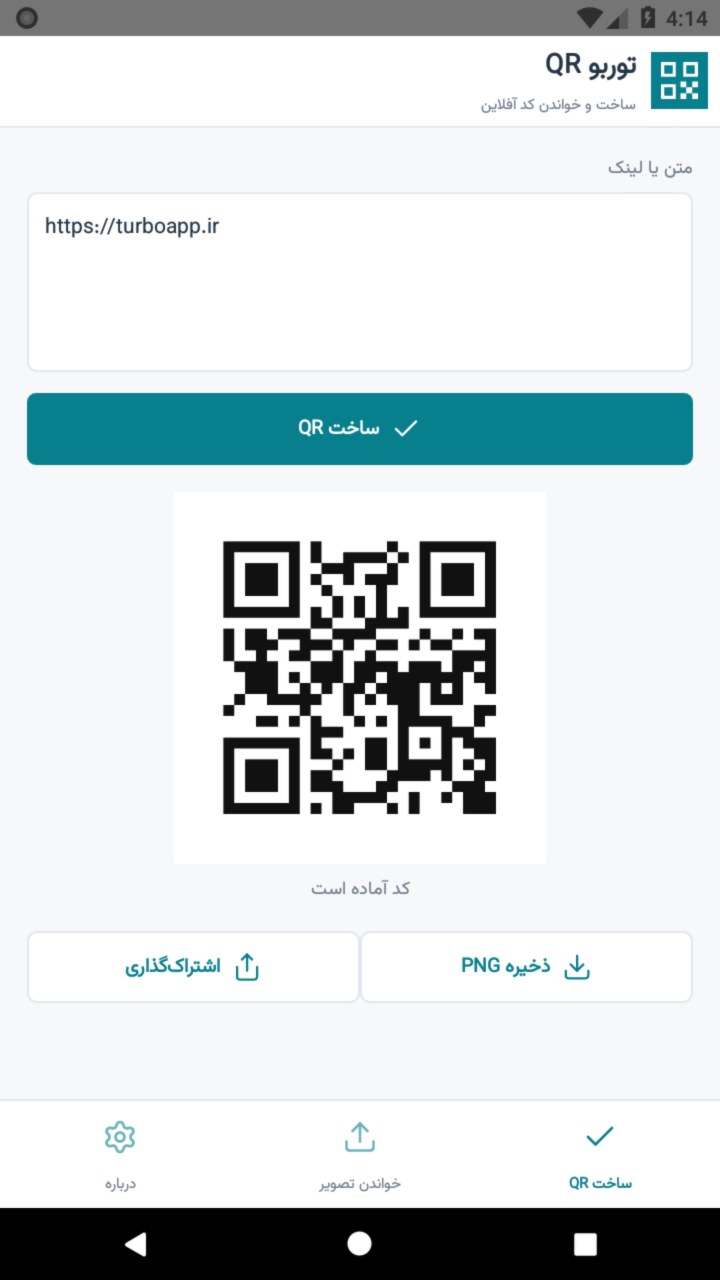
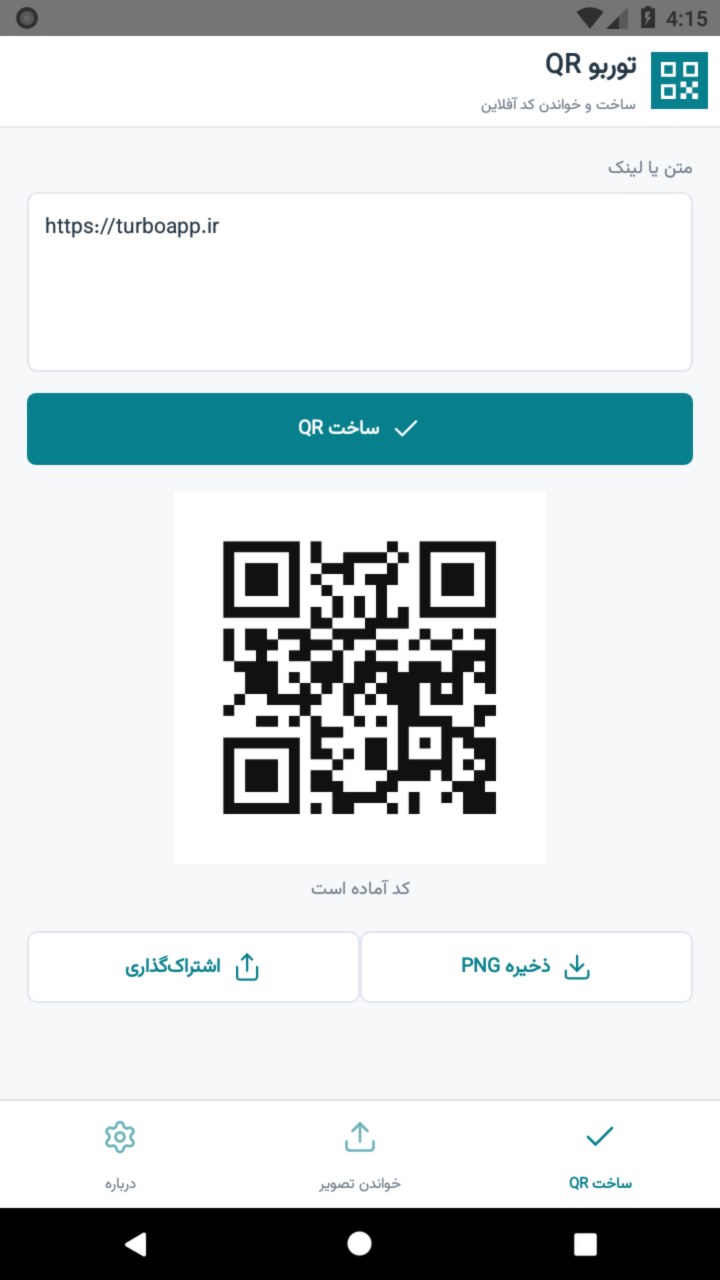
Create, save and shareEnter Persian or English text, or a website address, and generate a 512 by 512 pixel PNG with a white quiet zone and medium error correction. Input is limited to 1,200 characters and 1,800 UTF-8 bytes. Dense codes can be harder to scan on some devices. Choose a save location through the Android document picker, or share the PNG through the system share sheet.
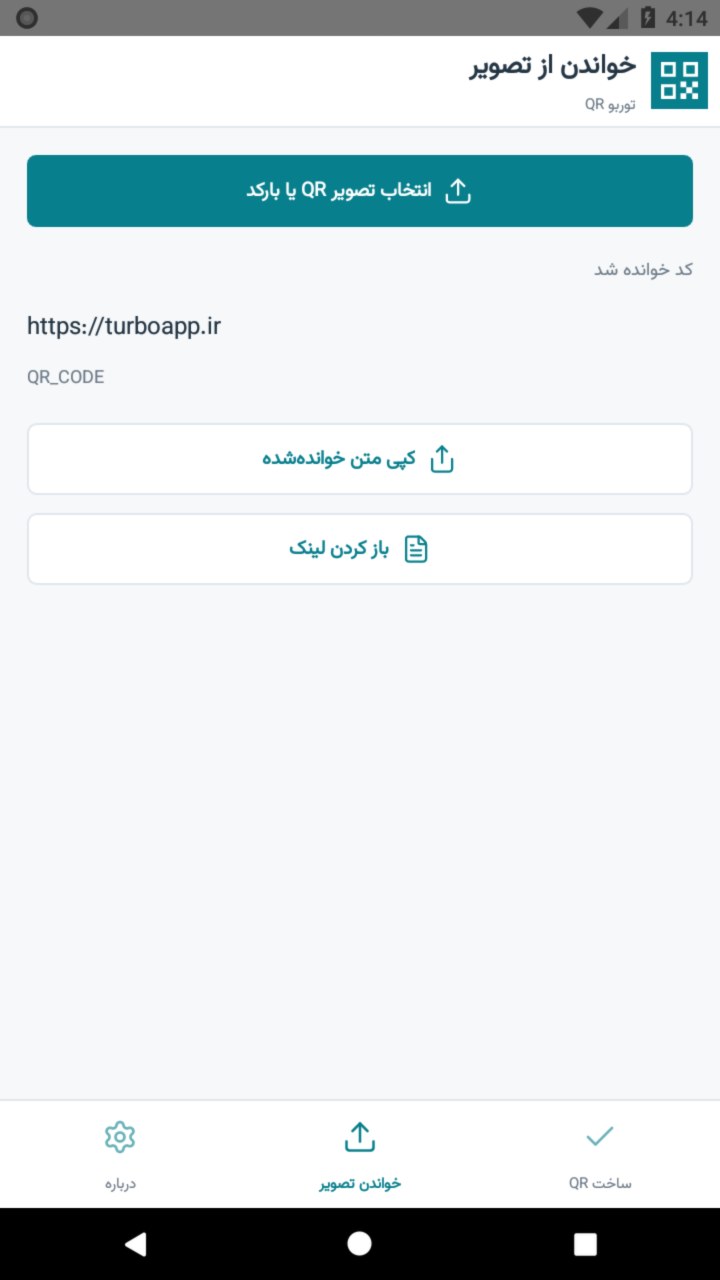
Read image filesSelect an image containing a QR code or a supported barcode. View the decoded content and code format, then copy the result. The ZXing library powers decoding, including attempts with rotated and inverted images. Blurry, cropped or very small codes may not decode. This release does not provide live camera scanning.
Links remain under your controlDecoded links never open automatically. Only http and https web links can be opened using the explicit button and confirmation dialog. QR codes can contain unsafe links or sensitive information; inspect the content before opening or sharing it.
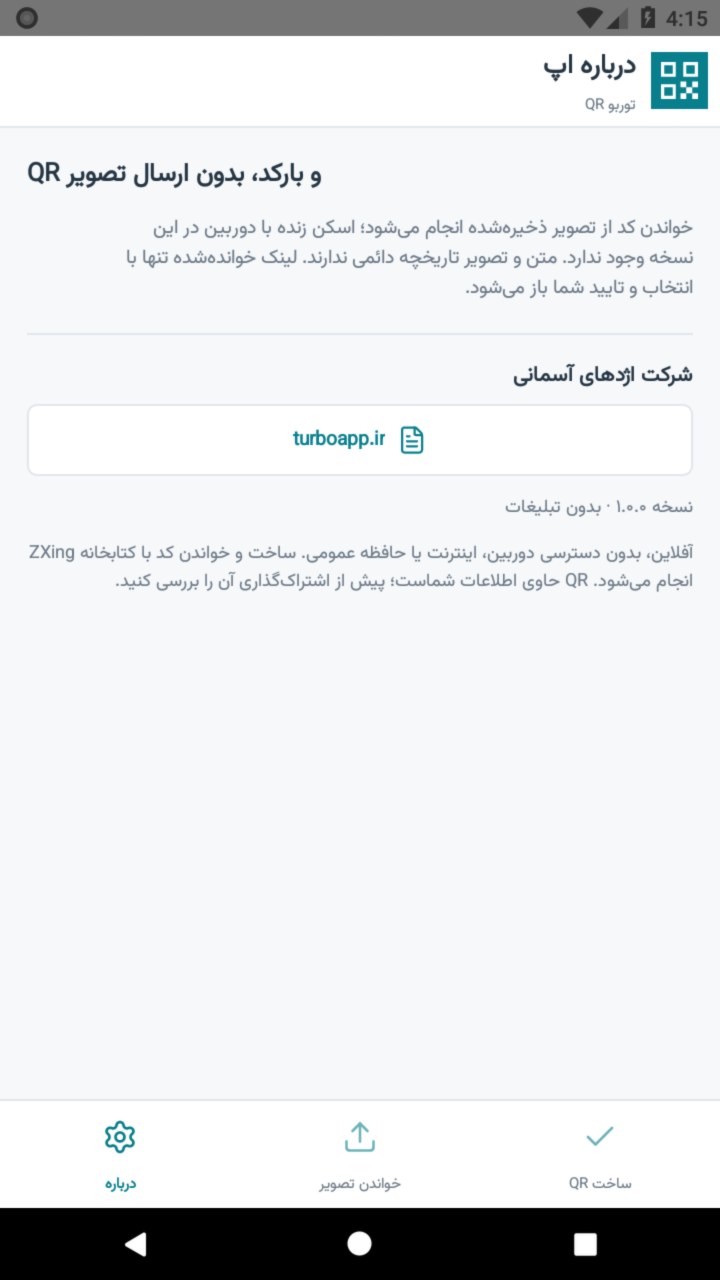
Privacy and limitationsNo internet, camera, contacts, location or broad storage permissions are requested. The selected file is accessed through the Android document picker and is not uploaded. There is no permanent scan history. Saved PNGs and temporary sharing files are not encrypted, and QR encoding does not encrypt or hide your information.
Requires Android 8 or later. Developer: Sky Dragon Company. Official website: https://turboapp.ir. An independent implementation using ZXing under Apache 2.0. Gallery images are real app screenshots using demonstration content. The in-app interface in this release is Persian.
Developer
Reviews
No reviews yet.