


Remote Numpad
TurboApp republication: Guillaume PayetThis application transforms your smartphone into a numpad for your computer.
Screenshots
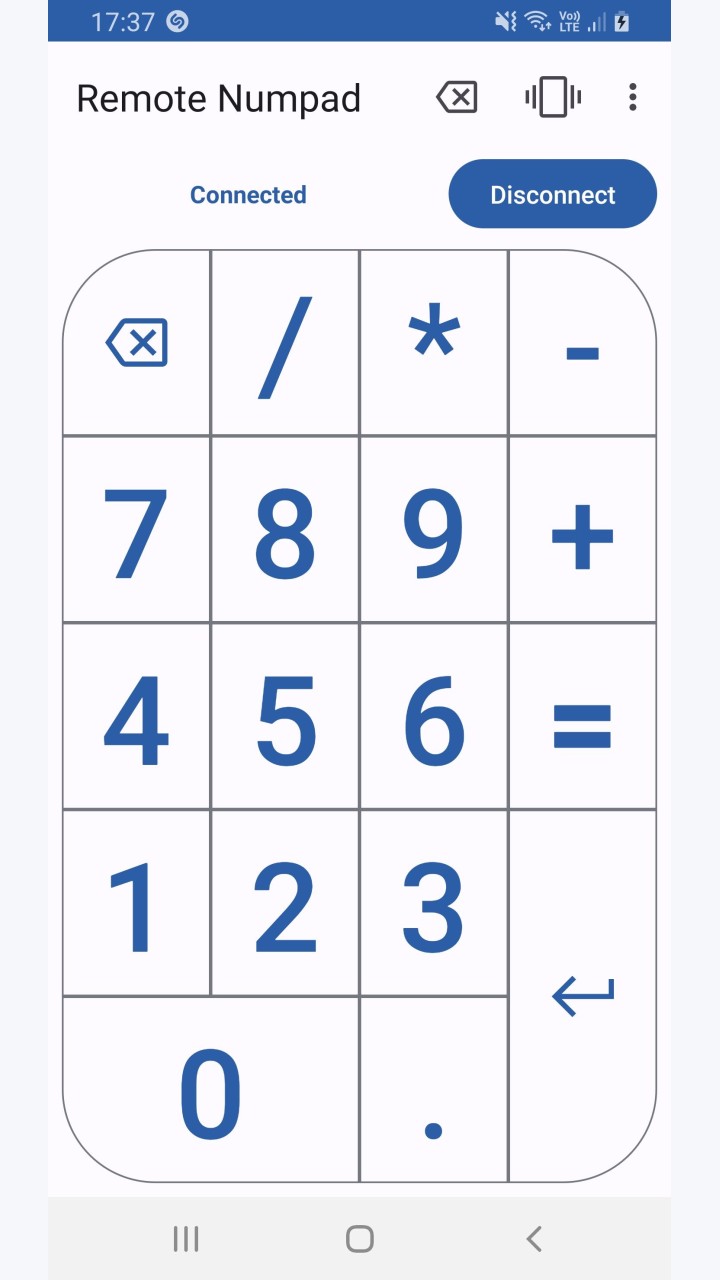
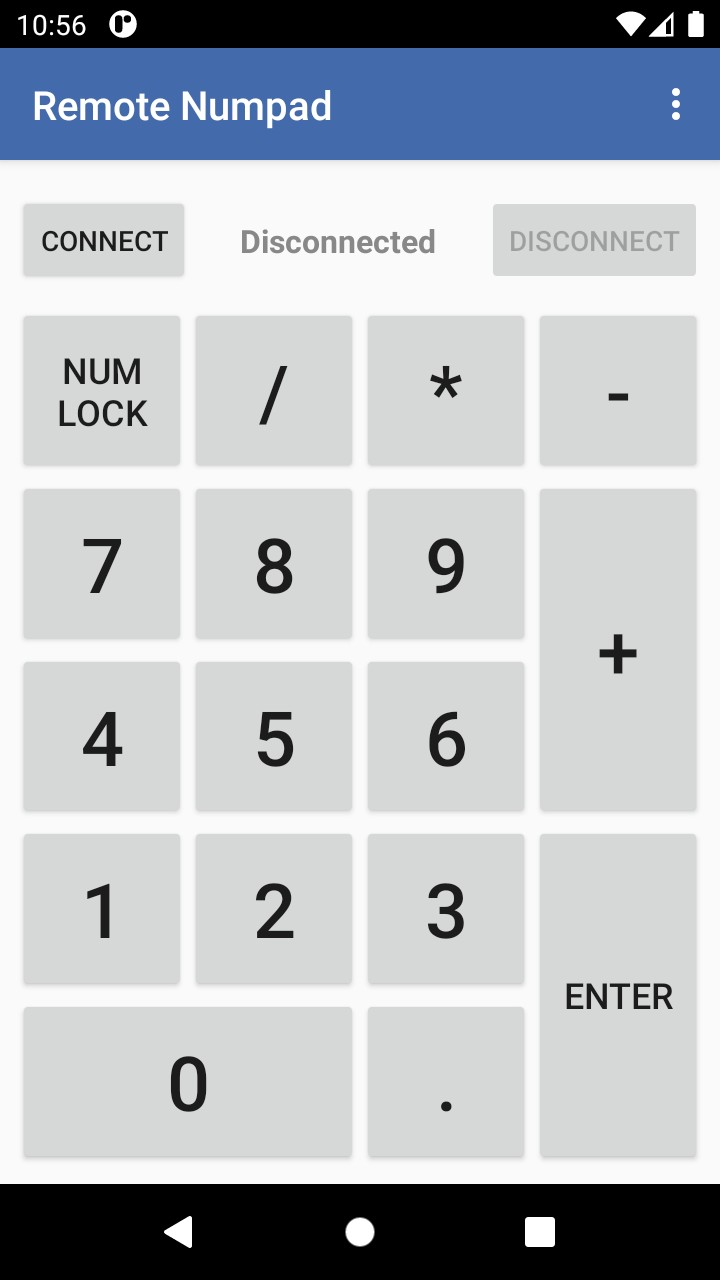
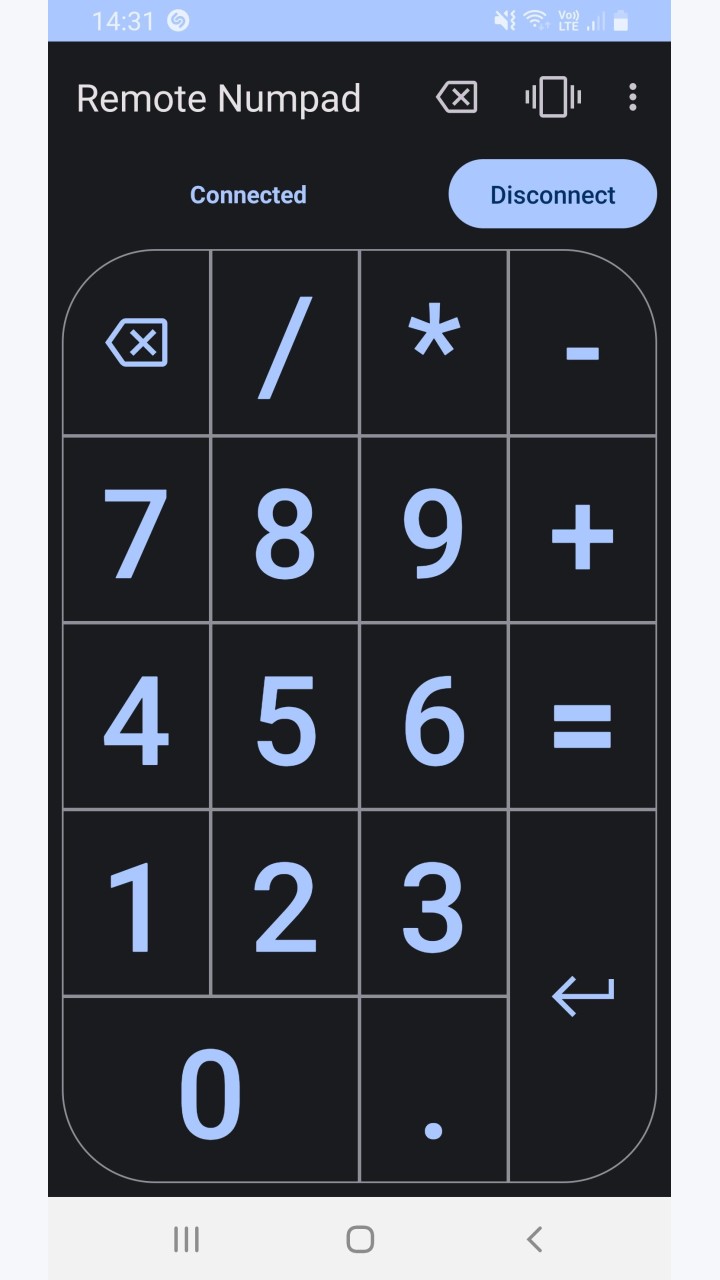
About this app
Server download: https://github.com/theolizard/remote-numpad-server/releases
With Remote Numpad, you can add the convenience of a numeric keypad to your laptop.
You can use this numpad in 3 different ways.
Using the Bluetooth HID profile (experimental), you can use Remote Numpad with any Bluetooth-enabled device (Android P or more required).
Using the classic Bluetooth or TCP (Wi-Fi) connections, a server application needs to be running on the device. The server can be downloaded from "https://github.com/theolizard/remote-numpad-server/releases" where you will also find more information.
IMPORTANT: The classic Bluetoooth and TCP (Wi-Fi) connections WILL NOT WORK if the server is not running on the other device.
A tutorial video can be found at "https://youtu.be/xTfQparcgg4".
The project is open source and all contributions are welcome over at "https://github.com/theolizard/remote-numpad".
Original developer: Guillaume Payet. Redistributed unchanged by TurboApp from F-Droid. This is not the official developer account. Signatures may differ from other stores.
License: GPL-3.0-only. Copyright and license notices | Corresponding source archive | Original project
Repository and APK signatures, hash and package identity checked. Runtime testing and a full malware scan have not been performed. Pending administrator review.
Versions
Developer
Reviews
No reviews yet.