


NC Collectives
TurboApp republication: megamacedUnofficial Android client for Nextcloud Collectives wiki notebooks.
Screenshots
About this app
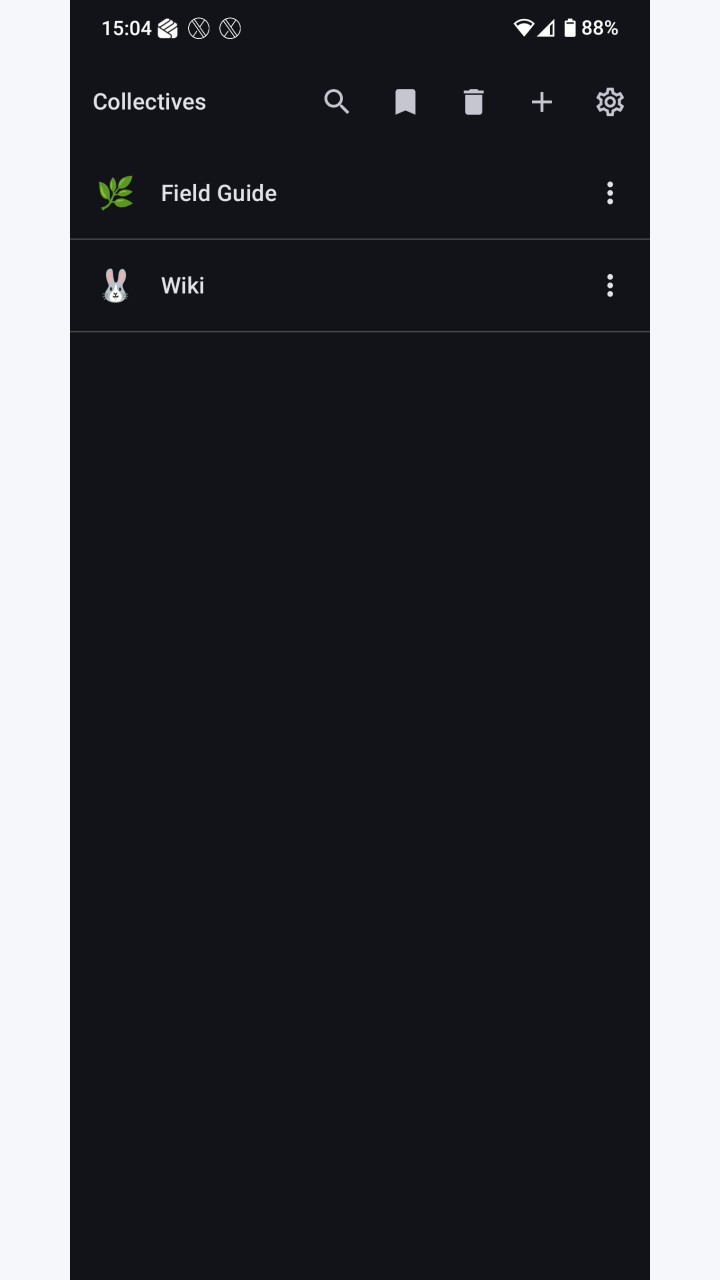
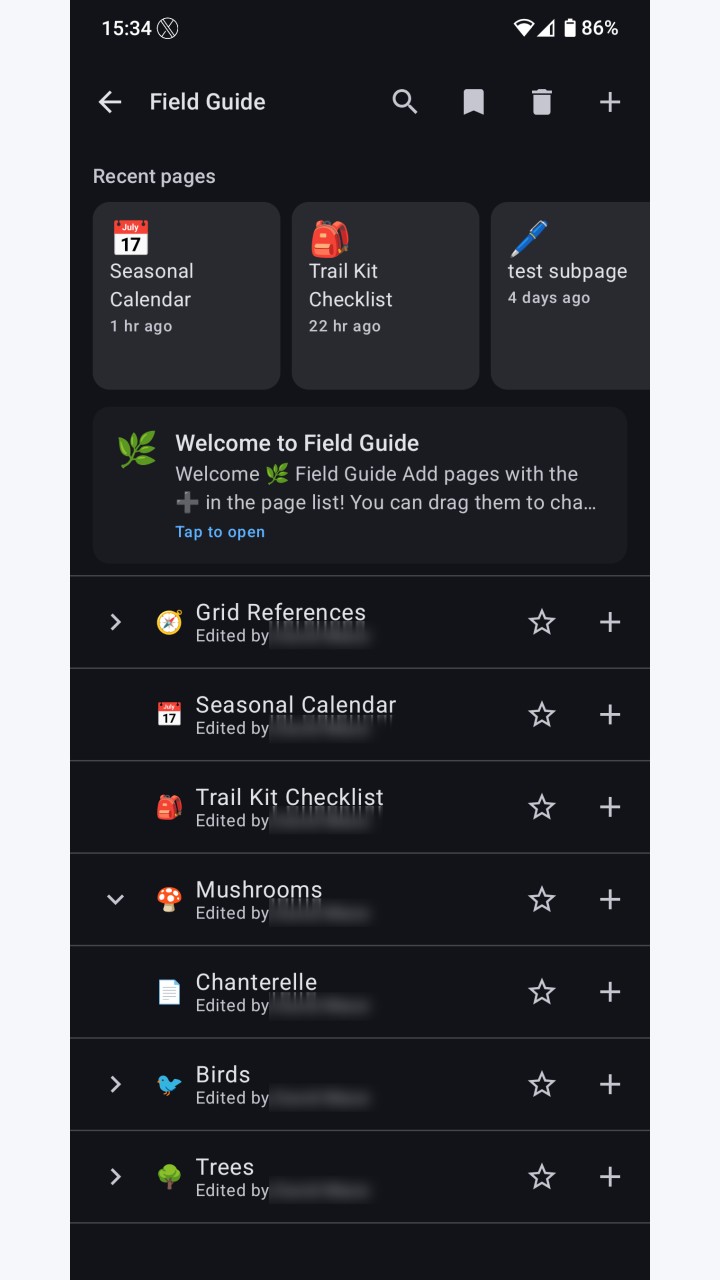
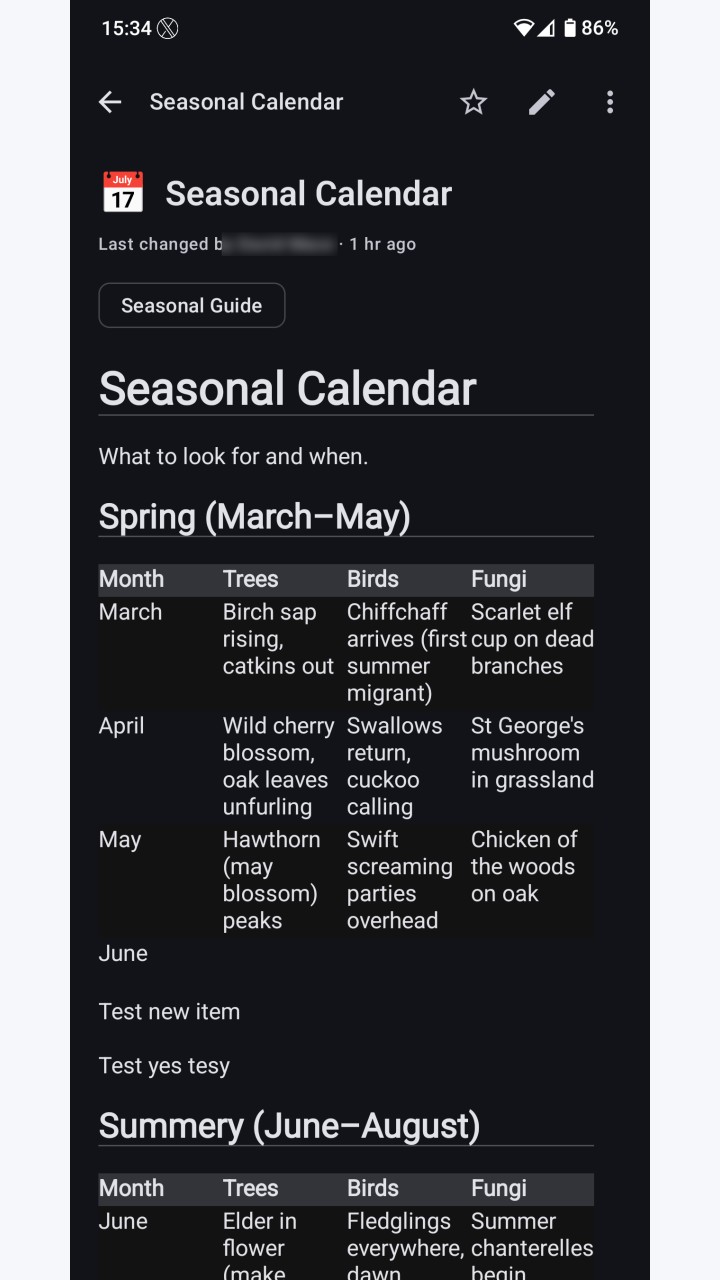
An unofficial native Android client for the Nextcloud Collectives app — wiki-style markdown notebooks hosted on your own Nextcloud server. Features: * Browse collectives and nested page trees. * Render markdown pages, including images, links, task lists, tables, syntax-highlighted fenced code blocks (Prism4j, themed against the app's Material 3 colour scheme), Nextcloud Text callouts (INFO / WARN / ERROR / SUCCESS), and ==highlight== marks. * View-first by default with a per-page edit toggle. Two editors ship side-by-side: a native markdown editor with formatting toolbar + live preview swap that works offline (default), and a collaborative WebView editor backed by Nextcloud Text (beta — multi-user real-time editing, callouts, multi-line tables, math) used when the server supports it and you're online. Choose the default under Settings → Editor. * Offline read cache and offline edit queue. Last-write-wins on conflict; local edits are preserved as drafts attached to the page. * Full-text search via the Nextcloud unified-search provider. * Favourites and recent searches, persisted across sessions. * Per-page tags, emoji, rename, and move (folder pages supported). Browse all pages carrying a given tag. * Long-press to drag pages and reorder them within their parent — same subpageOrder the web Collectives UI uses. * Duplicate page action. * Attachments: view inline images, upload from camera or gallery. * Trash + restore (per-page and per-collective), with pre-commit undo on a snackbar for page trash. * Create new collectives, change a collective's emoji, soft-delete + restore + permanently delete collectives. * Share-intent quick capture from any app (text, URLs, single or multiple images). * Backlinks: collapsible "linked from" row under every page that shows which other pages reference it. * Wikilink support: [[Page Name]] and relative .md links resolve in-app. * Light, Dark, or System theme; Material 3 styling. * Configurable background sync cadence (Off, 1h, 6h, 12h, daily). * Adaptive launcher icon with a monochrome layer for Android 13+ themed icons. * Splash screen. * Manual update check: a button in Settings under About asks the GitHub Releases API whether a newer version has been published, and opens the release page in a browser tab if so. Nothing is checked at launch and nothing runs in the background; the app never downloads or installs anything itself. F-Droid users can ignore it entirely — updates come through F-Droid as normal. Requirements: * Android 10 (API 29) or newer. * A Nextcloud instance with the Collectives app installed, served over HTTPS. Plaintext (http://) server URLs are refused at login. Authentication uses Nextcloud Login Flow v2 — you authorise the app from your browser and the server returns a device-scoped app password. Your account password is never seen, transmitted, or stored by the app. Revoke the device at any time from your Nextcloud security settings. Privacy: * The app talks only to the Nextcloud server you configure. The one exception is the manual update check in Settings, which contacts api.github.com only when you press the button, on a separate HTTP client that never carries…
Original developer: megamaced. Redistributed unchanged by TurboApp from F-Droid. This is not the official developer account. Signatures may differ from other stores.
License: AGPL-3.0-only. Copyright and license notices | Corresponding source archive | Original project
Repository and APK signatures, hash and package identity checked. Runtime testing and a full malware scan have not been performed. Pending administrator review.
Versions
Developer
Reviews
No reviews yet.