


Screenshots
About this app
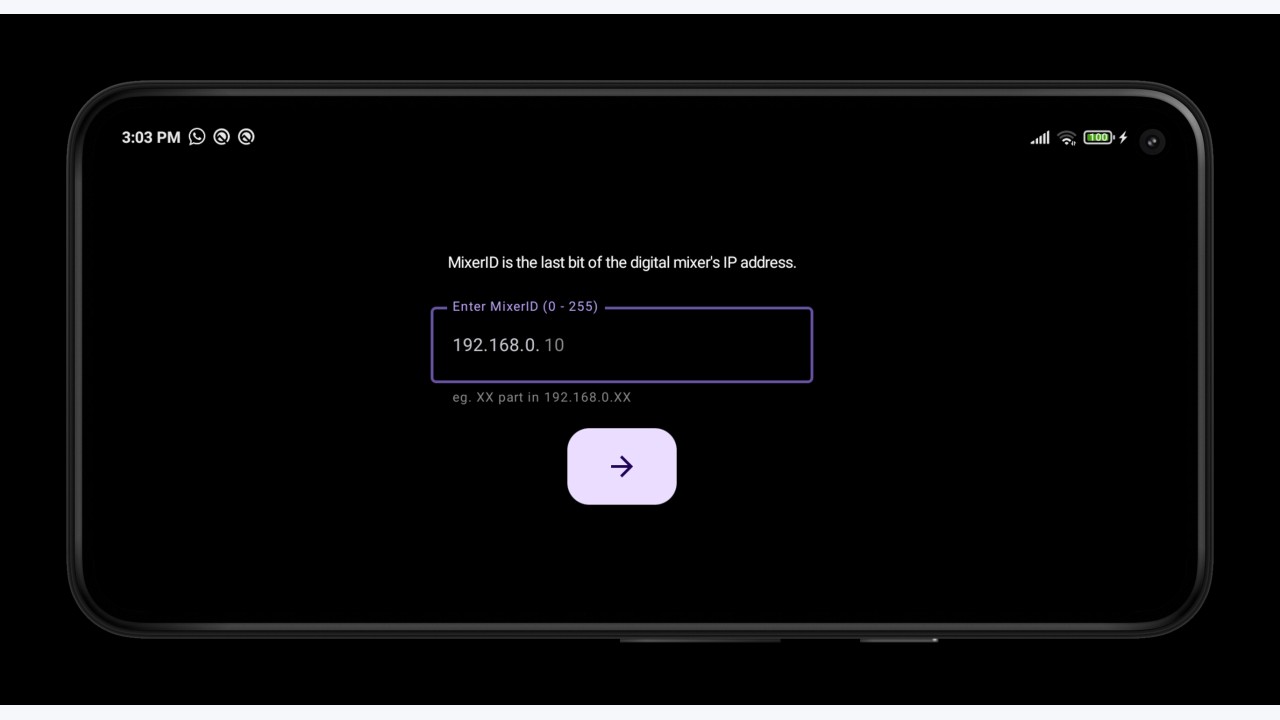
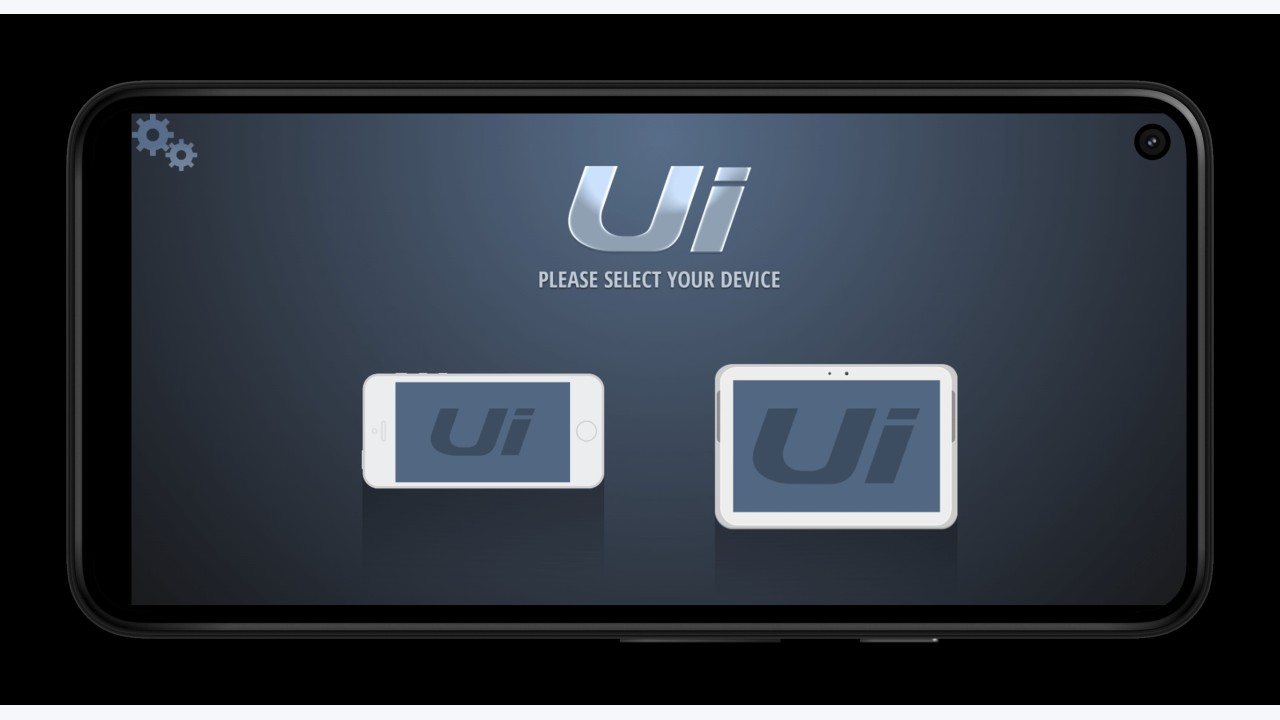
Connect your phone's WiFi to the digital mixer. Launch this app, it should
automatically detect your IP network. Enter the MixerID, which we define as the
last bit of the IP address assigned to your Mixer. Hit `->` button, and it'll
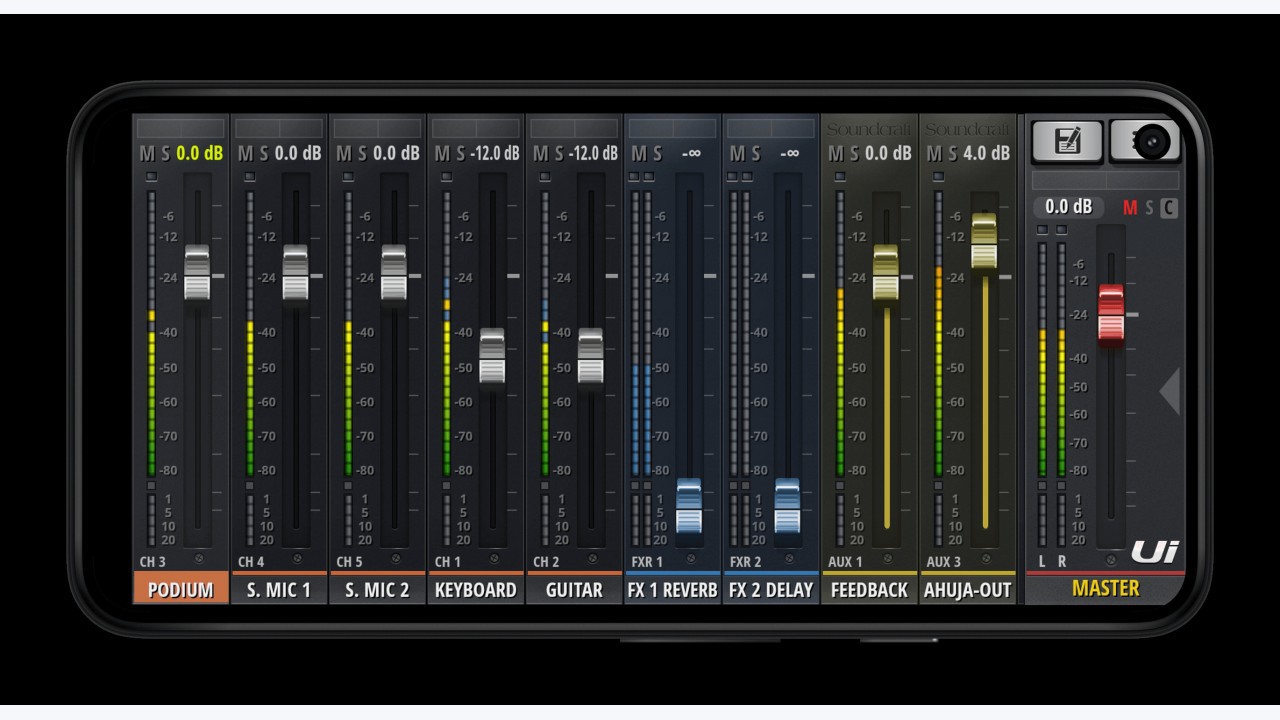
let you access the digital mixer control page. This app will remember the mixer
URL, so next time you launch the app, it'll take you directly to the controller
page, given that you're already connected to the mixer's network.
Original developer: Yozachar. Redistributed unchanged by TurboApp from F-Droid. This is not the official developer account. Signatures may differ from other stores.
License: MIT. Copyright and license notices | Corresponding source archive | Original project
Repository and APK signatures, hash and package identity checked. Runtime testing and a full malware scan have not been performed. Pending administrator review.
Versions
Developer
Reviews
No reviews yet.