
Liquid Lock Screen: KaLock
3D Viet HaPersonalize lock screen with unique themes, depth effect wallpapers, fun widgets
Screenshots
About this app
Liquid Lock Screen: KaLock is an Android app published by 3D Viet Ha, in the Personalization category, with 1,000,000+ installs reported on Google Play, and a 3.1 out of 5 rating. This TurboApp page presents the publisher's listing information and sends installation requests to the official Google Play page.
KaLock is a lock screen customization app that upgrades your phone interface and makes it come alive with stunning themes, animated widgets and stylish notification experience.
Customize your screen lock with ready-made themes or create your own using your photos — with KaLock.
KaLock key features:
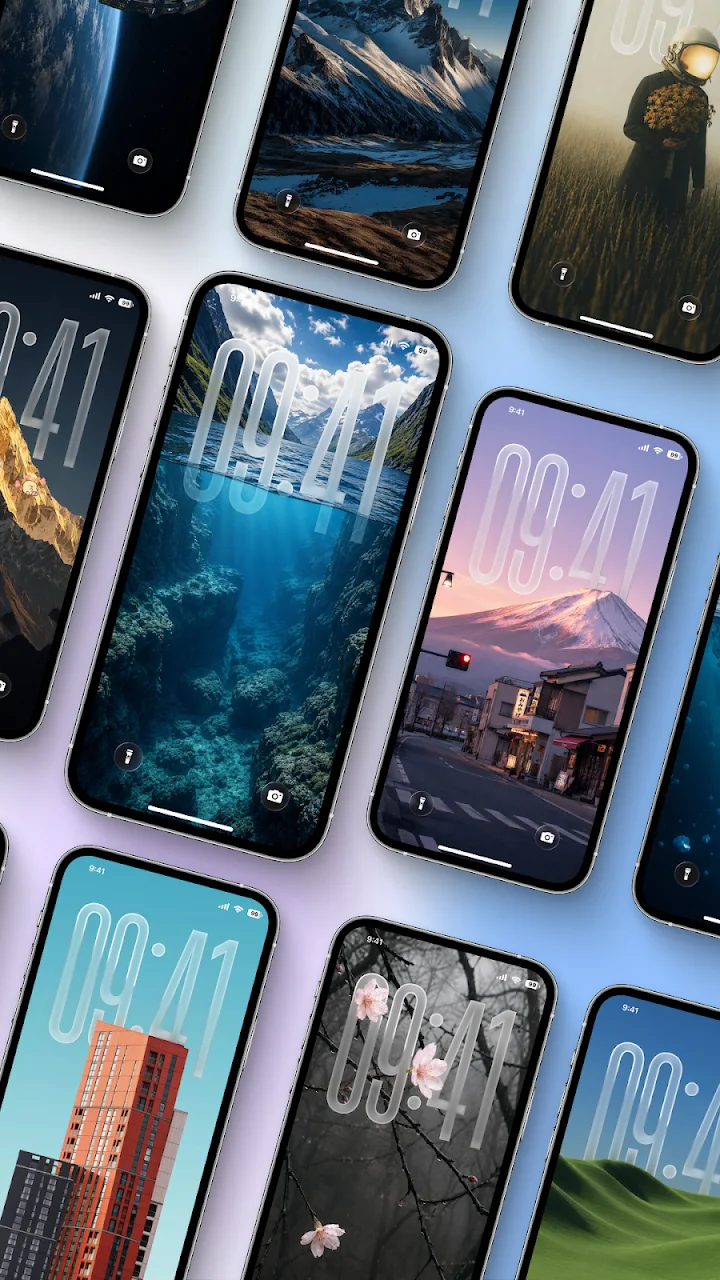
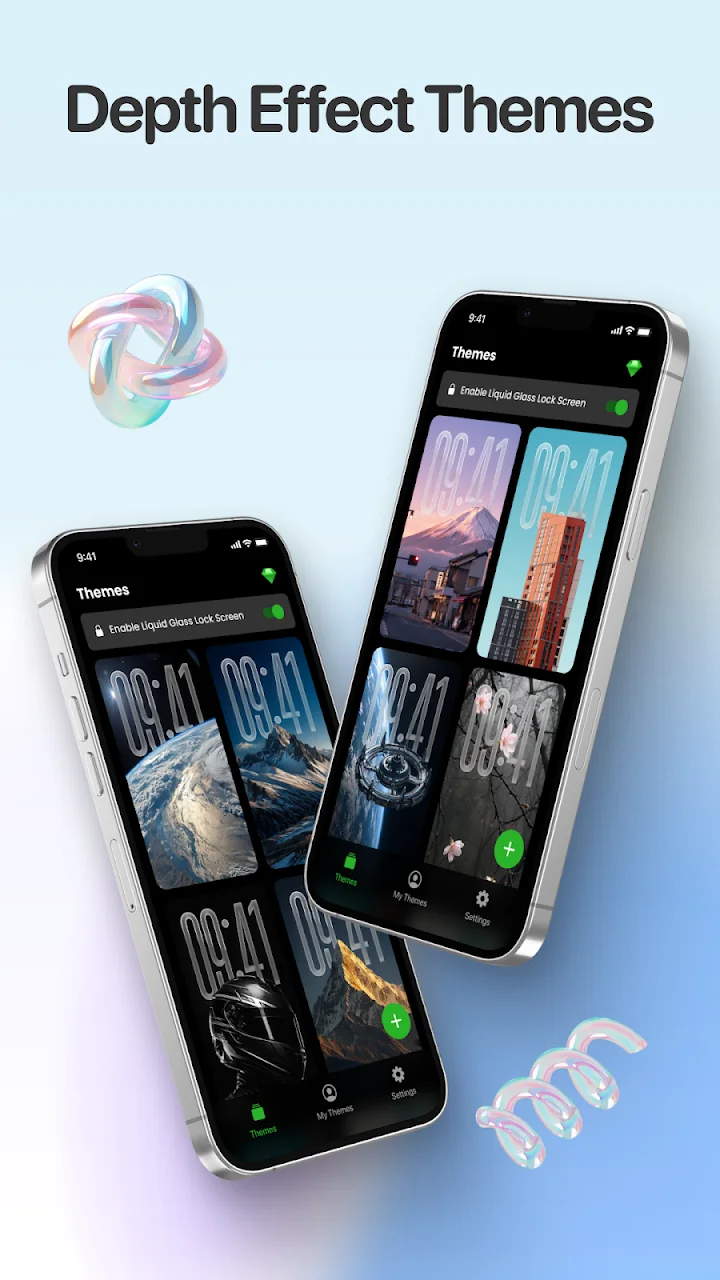
- Aesthetic themes: 30+ ready-to-use themes including cyberpunk, cute, minimalist, nature, kawaii, sport, girly, and more.
- Photo lock screen maker: create lock screen from your own photos. Simply select one from your gallery and customize it your way.
- Lock screen widgets: Add up to 4 widgets and personalize your lock screen with fun stickers
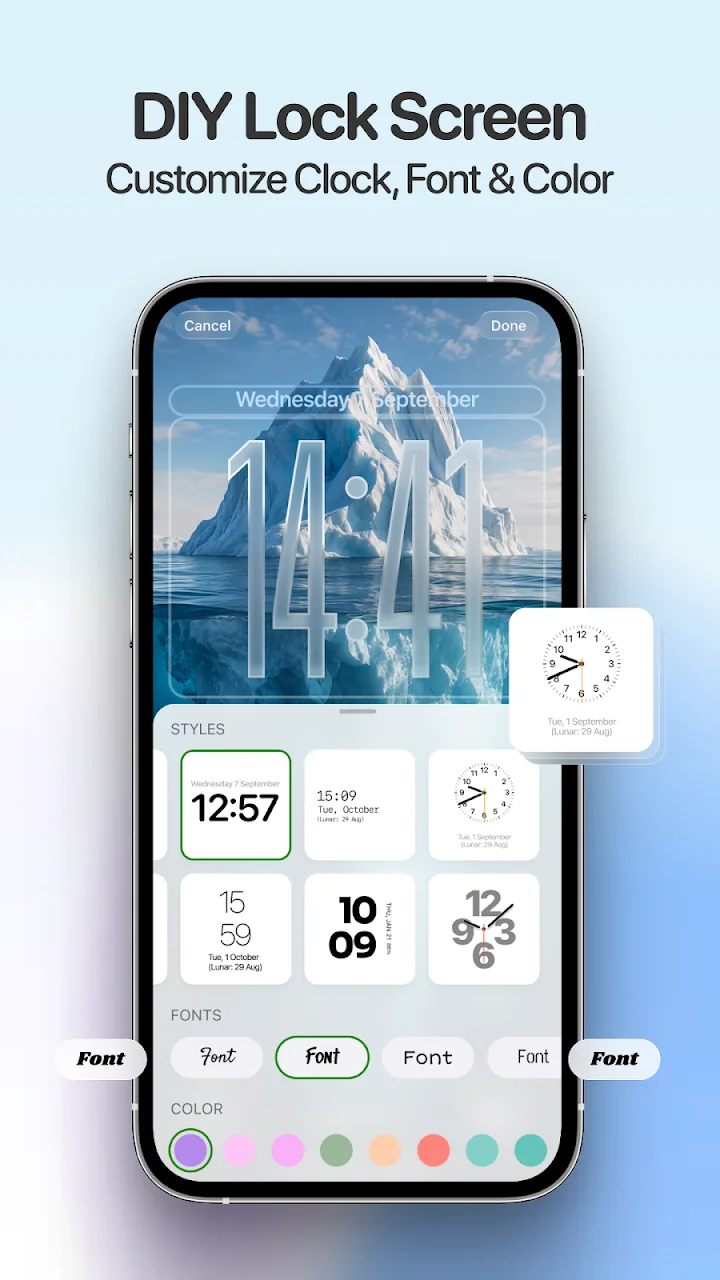
- Customize theme: change text color, clock style or date format
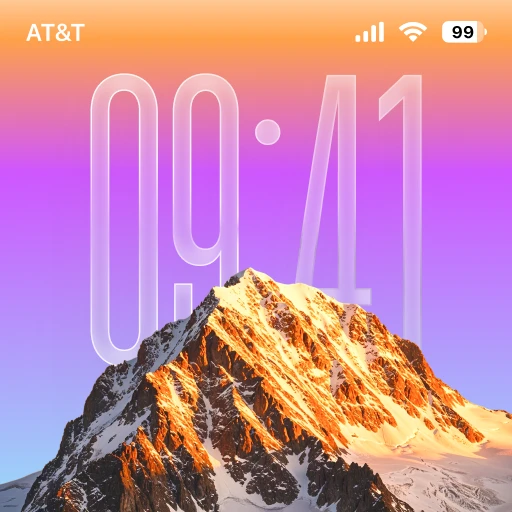
- Liquid glass clock style: Enable liquid glass effect to blend the clock seamlessly with your wallpaper for a more aesthetic look. Turn it off if you like.
- App shortcuts: quickly turn on the flash or open camera from screen lock
Get the best experience of KaLock app:
- Hold on the Kalock lock screen and swipe left or right to quickly change wallpaper
- Allow KaLock to run in the background to keep your custom lock screen working properly
Accessibility Service
This app uses the Android Accessibility Service to provide its lock screen functionality and related features.
The Accessibility Service is used to:
- Display the app's lock screen when the device is locked.
- Provide user-requested controls such as music and volume controls.
- Support other functions required for the app's lock screen experience.
The Accessibility Service is used only to provide these features. This app does not use the Accessibility Service to collect, store, sell, or share personal or sensitive user data.
You can enable or disable the Accessibility Service at any time through your device's Accessibility settings.
To use the lock screen features, go to Settings > Accessibility > Installed Services > Kalock and enable the service.
If you like KaLock screen lock app, please rate and share it with others. Please do not hesitate to contact us if you have any questions or problems!
Official listing information
- Developer: 3D Viet Ha
- Google Play category: Personalization
- Installs: 1,000,000+
- Rating: 3.1 from 3,299 ratings
- Content rating: Everyone
- Current version: 0.1.15
Developer
Reviews
No reviews yet.