


iAEON-イオンペイも使える!「アイイオン」
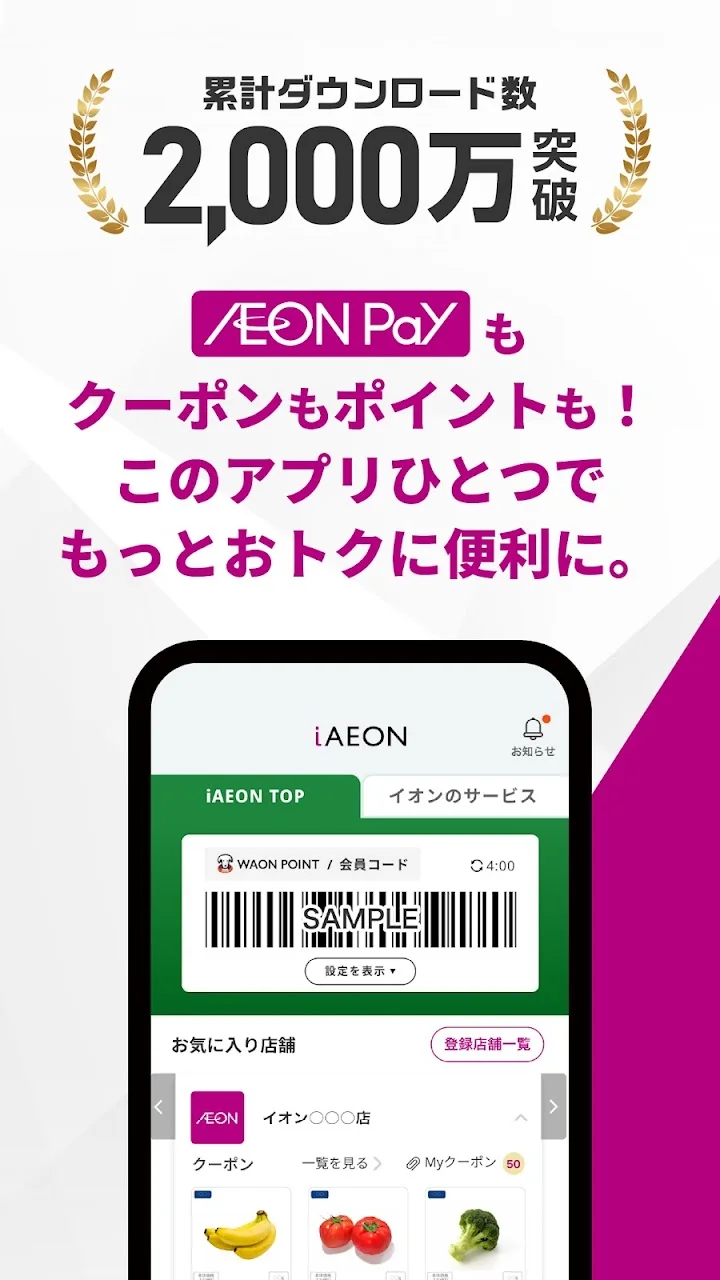
AEON Smart TechnologyAEON Pay, point management, and coupons are all in one convenient app. You can also use electronic receipts, so you can shop smartly without needing a wallet!
Screenshots
About this app
iAEON-イオンペイも使える!「アイイオン」 is an Android app published by AEON Smart Technology, in the Finance category, with 5,000,000+ installs reported on Google Play, and a 1.9 out of 5 rating. This TurboApp page presents the publisher's listing information and sends installation requests to the official Google Play page.
● Earn, use, and combine points!
● Receive great deals from your favorite stores!
● Pay with "AEON Pay"!
▼ Main features of iAEON
・Membership registration is easy; all you need is your mobile phone number.
【Earn, use, and combine points】
・With your iAEON membership code, you can earn and use points, and combine (summarize) your existing WAON POINTS.
・Only one AEON-branded credit card or AEON debit card can be registered.
【Easily get great deals from stores】
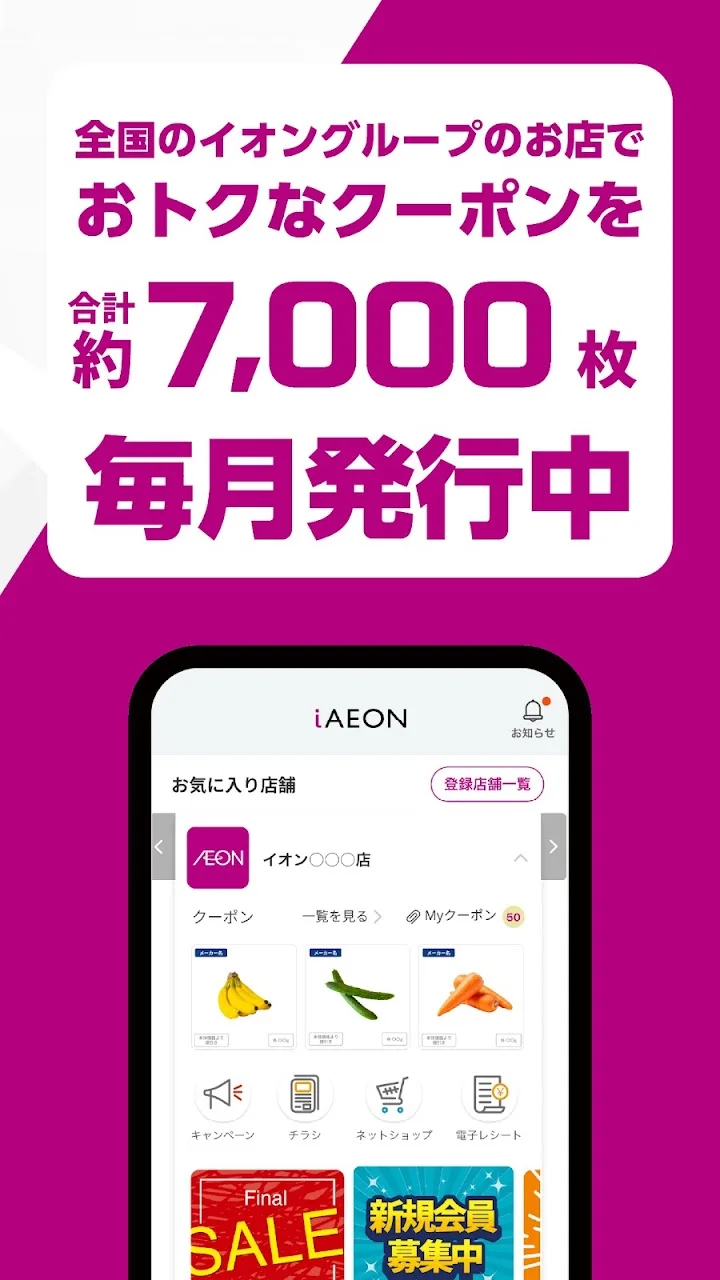
・You can register up to 10 of your favorite AEON Group stores.
・By registering your favorite stores, you can check store services from the home screen, use store coupons, and receive notifications.
【WAON POINT】
・WAON POINTS can be used by specifying the number of points to use on the AEON Pay payment screen and selecting AEON Pay payment at checkout.
* Alternatively, you can use it by presenting your iAEON membership code at the register of a participating AEON Group store and informing them of the number of points you wish to use.
* If you have registered multiple cards with smart WAON, you can use WAON POINTS accumulated on all cards with iAEON.
[Payment with "AEON Pay"]
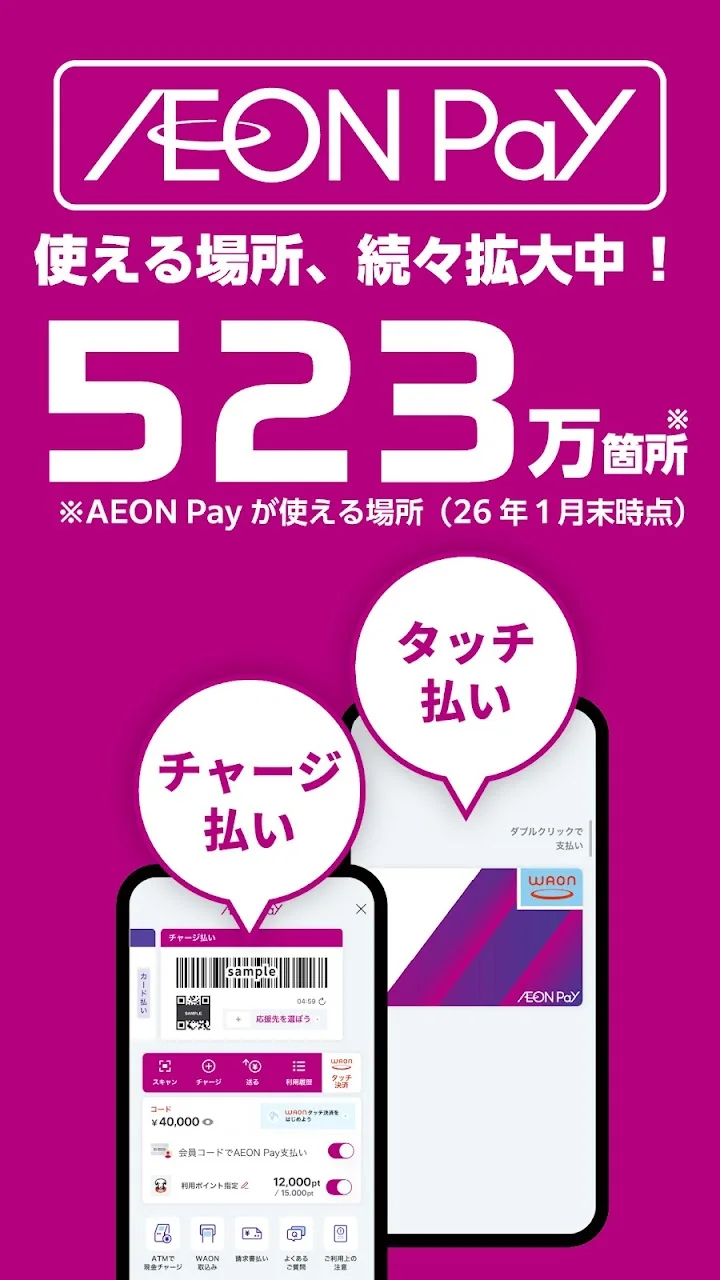
* By registering an AEON-branded credit card or AEON debit card, you can use AEON Pay code payment (QR/barcode payment) at the register.
* You can use AEON Pay charge payment (QR/barcode payment) by using cash charging via a bank account or AEON Bank ATM.
Please inform the cashier that you will be paying with "AEON Pay" at the time of payment.
* When paying with AEON Pay WAON Touch payment, simply inform the cashier that you will be paying with "WAON" and hold your smartphone over the reader/writer (scanner) installed at the register.
You can pay even if your smartphone is turned off.
* You can check your transaction history within the app.
[Check your purchases "Receiptless"]
* Present your iAEON membership code at the register of participating AEON Group stores to receive an electronic receipt.
* Tap the "Receiptless" icon in iAEON to check your purchase history and electronic receipts anytime.
* iAEON is available to anyone with a mobile phone number capable of receiving SMS (excluding numbers starting with 050).
▼Compatible Devices
While we have verified compatibility with major models, some models may experience malfunctions or display issues.
Please be aware of this in advance.
▼How to Use
For details on participating stores and how to use the service, please check the official iAEON website.
https://www.aeon.com/aeonapp/
* Screenshots in the app store are for illustrative purposes only.
* QR Code is a registered trademark of DENSO WAVE INCORPORATED.
* "Osaifu-Keitai®" is a registered trademark of NTT DOCOMO, INC.
Official listing information
- Developer: AEON Smart Technology
- Google Play category: Finance
- Installs: 5,000,000+
- Rating: 1.9 from 114,167 ratings
- Content rating: Everyone
- Current version: 6.6.0
Developer
Reviews
No reviews yet.