


FiSSH
TurboApp republication: Ioan MoldovanSSH authentication via Fingerprint scanning over network (TLS Sockets)
Screenshots
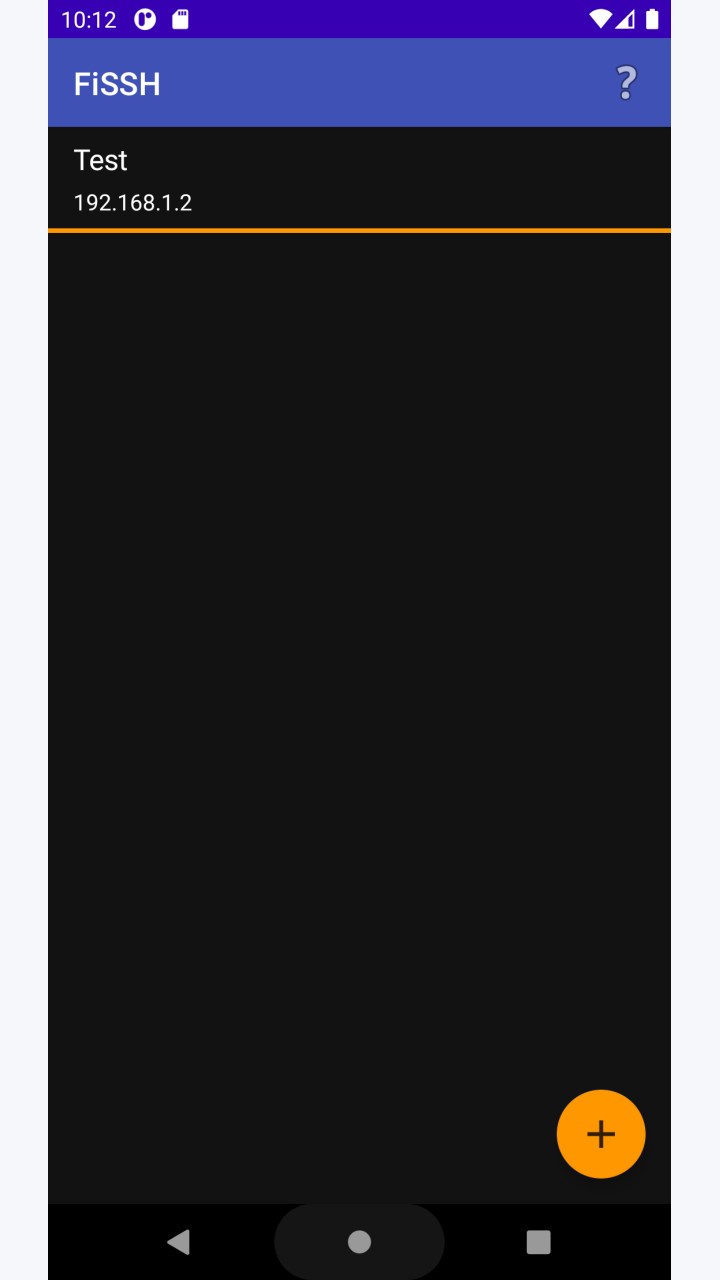
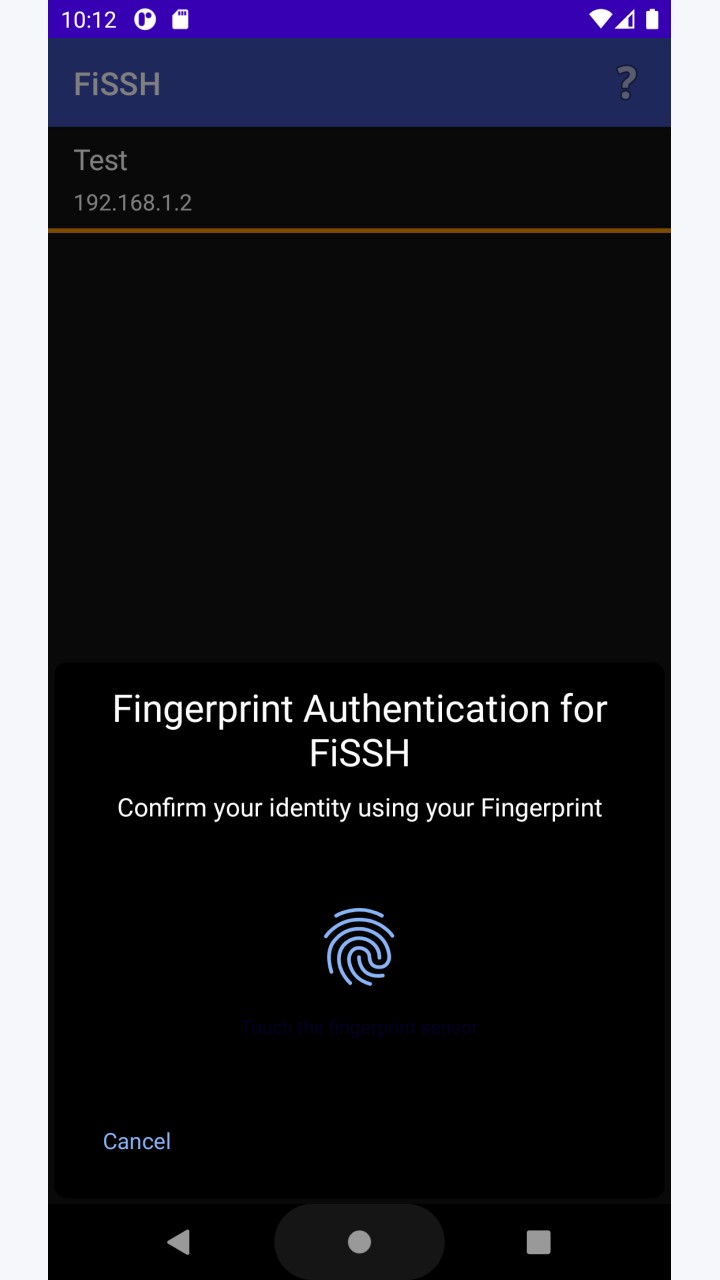
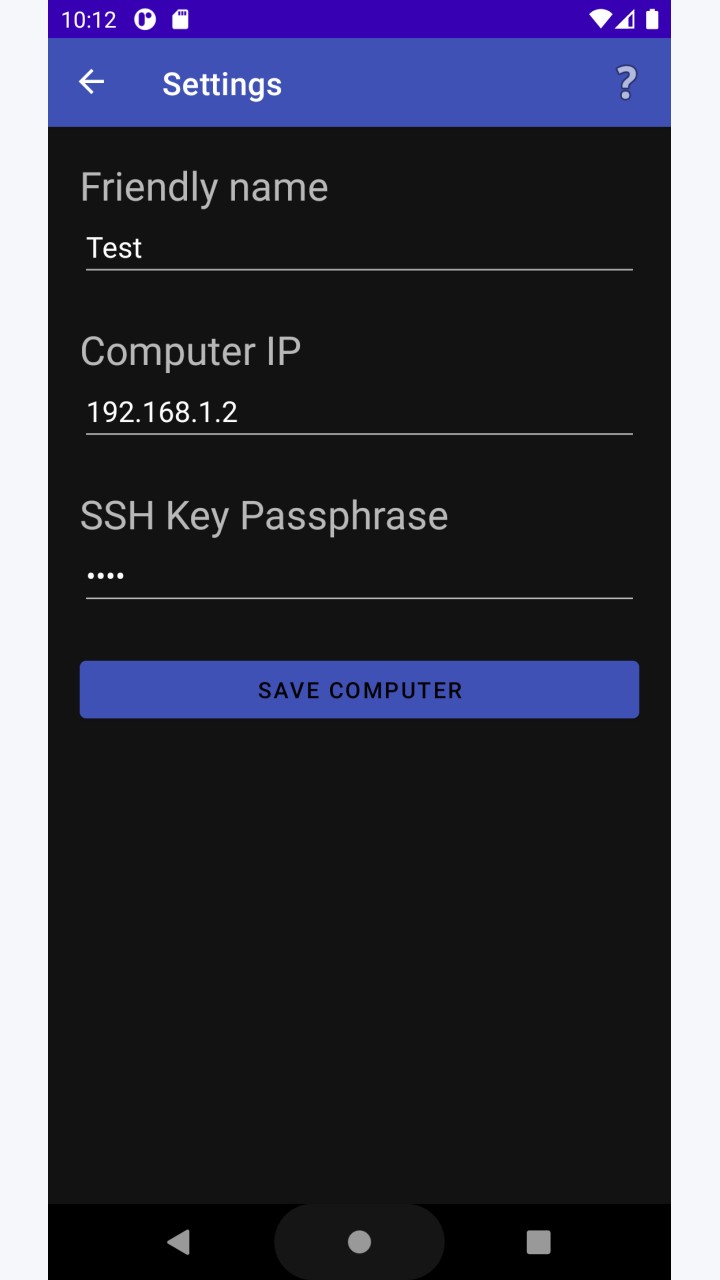
About this app
This Android app stores your SSH key phrase and sends it to your PC securely via the LAN when an authorized fingerprint is detected by the Android fingerprint scanner.
This app is free open-source software (licensed MIT)
The PC must either run Linux or Windows to use FiSSH.
FiSSH for Linux is available on GitLab together with install instructions at: https://www.gitlab.com/ioanm/fissh-desktop/blob/master/INSTALL.md.
FiSSH for Windows uses the Windows Subsystem for Linux. The Windows edition is also open source and published to: https://www.gitlab.com/ioanm/fissh-windows.
To install FiSSH for Windows run the command inside WSL (Windows Subsystem for Linux) UBUNTU distro:
curl https://www.gitlab.com/ioanm/fissh-windows/raw/master/Release/install.sh | sudo bash
The PC app then returns the received passphrase to OpenSSH and the standard ssh binary completes the login process.
It is important to note that none of the FiSSH apps have access to private key file and that FiSSH uses TLS sockets with certificate validation to prevent man-in-the-middle attacks!
Source Code:
Linux part - https://www.gitlab.com/ioanm/FiSSH-Desktop
Android app - https://www.gitlab.com/ioanm/FiSSH-App
Original developer: Ioan Moldovan. Redistributed unchanged by TurboApp from F-Droid. This is not the official developer account. Signatures may differ from other stores.
License: MIT. Copyright and license notices | Corresponding source archive | Original project
Repository and APK signatures, hash and package identity checked. Runtime testing and a full malware scan have not been performed. Pending administrator review.
Versions
Developer
Reviews
No reviews yet.