

Bluetooth QR & Barcode to PC
TurboApp republication: fabikEnables sending QR/Barcodes to a Bluetooth Device (e.g PC) without any Software
Screenshots
About this app
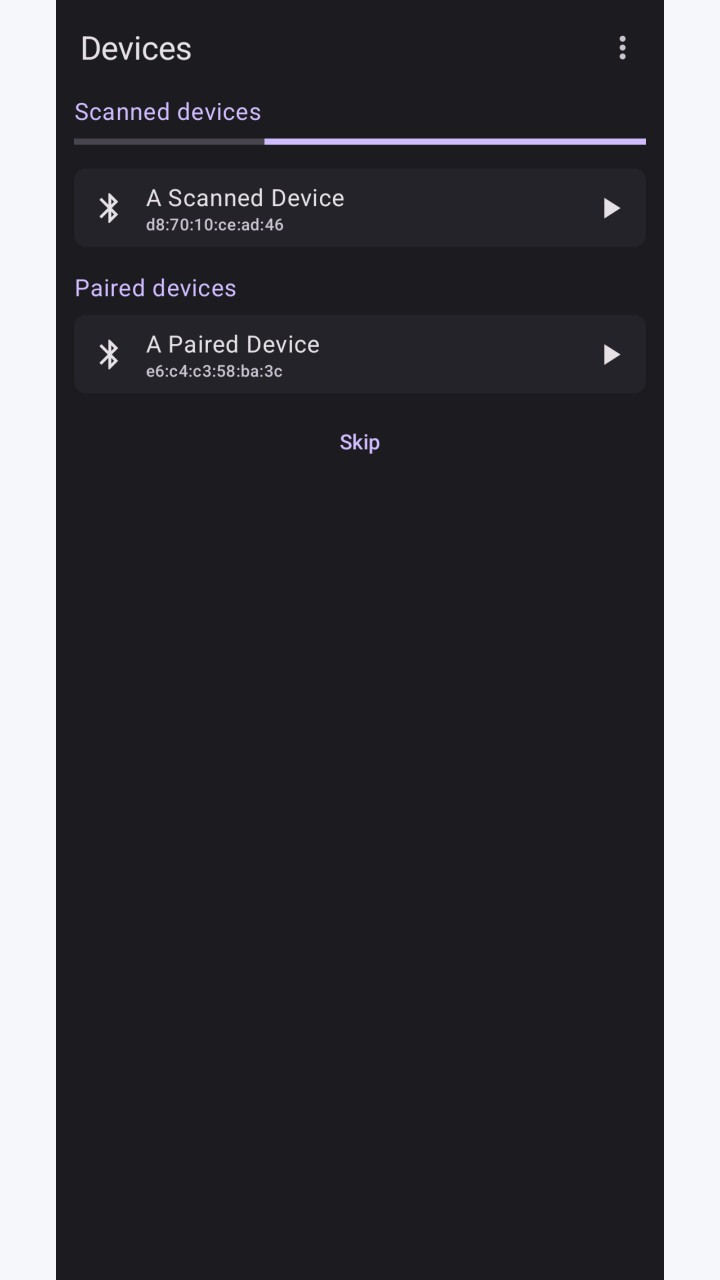
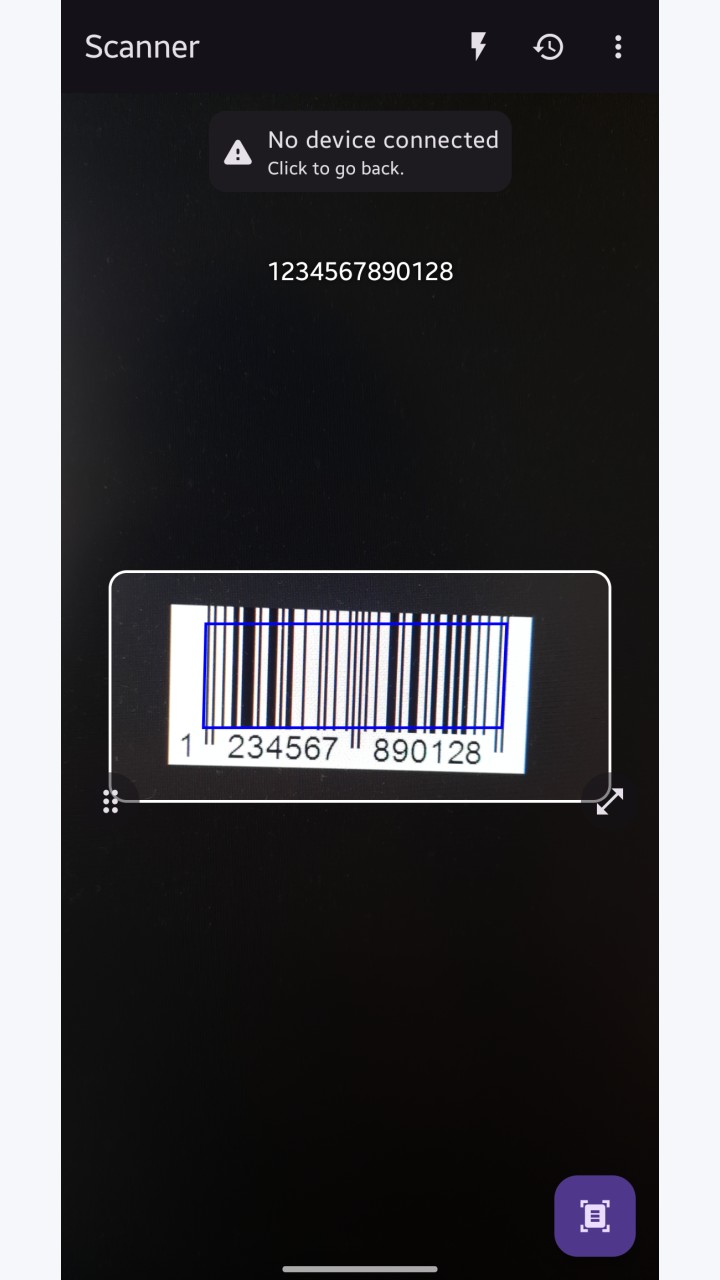
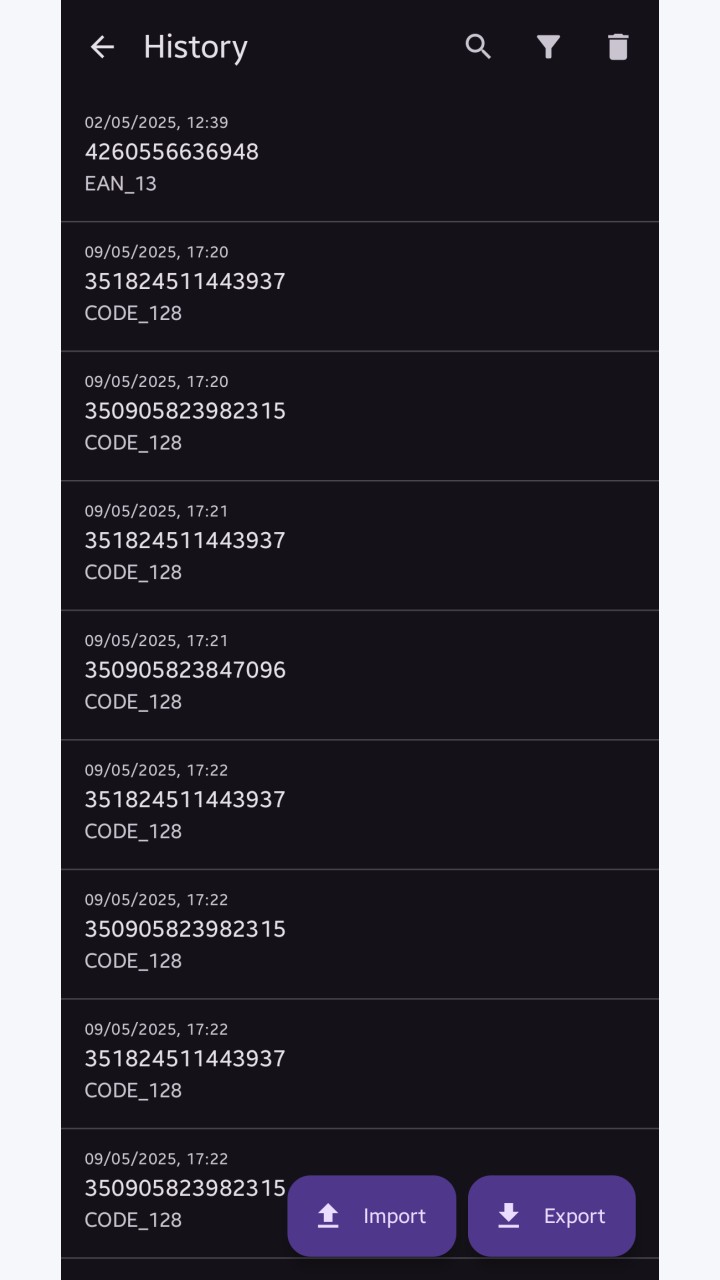
With this app you can turn your phone into a mobile QR/Barcode scanner and send the value of any code as text input to the connected Bluetooth device.
Features:
- Wide variety of QR/Barcode types supported
- No special software on the receiving side required
- Works completely offline
- No Ads/In-App-Purchases
- Different keyboard layouts to choose
- Highly customizable for many use-cases
The app works by utilizing the Bluetooth HID feature accessible on devices running Android 9 or later. Using this feature allows the Android device to act like a normal wireless keyboard connected via Bluetooth.
That means it should work with every device that supports connecting a Bluetooth keyboard like a PC, Laptop or Phone.
Original developer: fabik. Redistributed unchanged by TurboApp from F-Droid. This is not the official developer account. Signatures may differ from other stores.
License: GPL-3.0-only. Copyright and license notices | Corresponding source archive | Original project
Repository and APK signatures, hash and package identity checked. Runtime testing and a full malware scan have not been performed. Pending administrator review.
Versions
Developer
Reviews
No reviews yet.